1. Upload a photo
Sign in with Google to upload a photo and start.
Sign in to upload
Free includes 5 credits — one 5-second Fast GIF. Plus and Pro add monthly credits, longer clips, and Better quality.
Photo
Cutout
2. How should it move?
Describe the motion
Presets
Quality
Length
5s
Fast: 5–15 seconds. Better quality: 3–15 seconds.
This clip: 5 credits. Fast is 1 credit per second. Better quality is 2.
Free includes 5 credits — one 5-second Fast GIF. Plus and Pro add monthly credits, longer clips, and Better quality.
Sign in with Google to create
Free includes 5 credits — one 5-second Fast GIF. Plus and Pro add monthly credits, longer clips, and Better quality.
Creating your animation
- 1Cutout
- 2Sent
- 3Video
- 4GIF
Upload a photo first.
Join creators making Discord stickers, Twitch overlays, and Shopify listing loops with DollFX.
Start free — 5 credits, one 5-second Fast GIF. See plans for longer clips
More examples from one photo
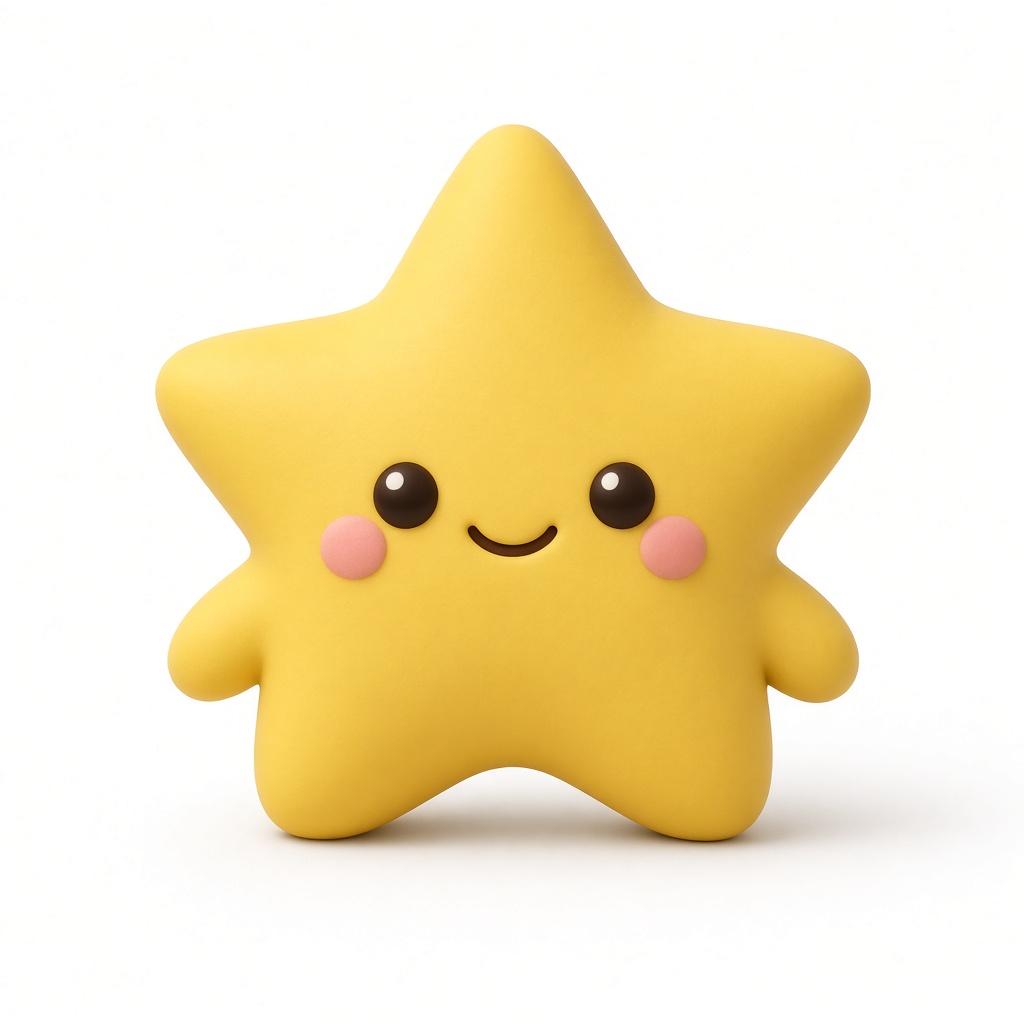
Each pair is a scene, a still image, and a prompt. The GIF already has a transparent background.
Scene
AI transparent GIF from one photo
Transparent GIF sticker, chat sticker GIF, and photo to transparent GIF for Discord, Telegram, iMessage, or WeChat.
Prompt: The subject waves one hand at the camera with small natural motion. The body stays in place and does not walk or leave the frame.
Photo
GIF


Scene
Transparent GIF overlay for OBS and Twitch
Transparent GIF overlay, OBS overlay GIF, Twitch alert GIF, and stream overlay animation from one still photo.
Prompt: The subject waves one hand in a clear hello, then returns to rest. Motion stays in place so it works as a corner overlay.
Photo
GIF

Scene
Product listing looping GIF
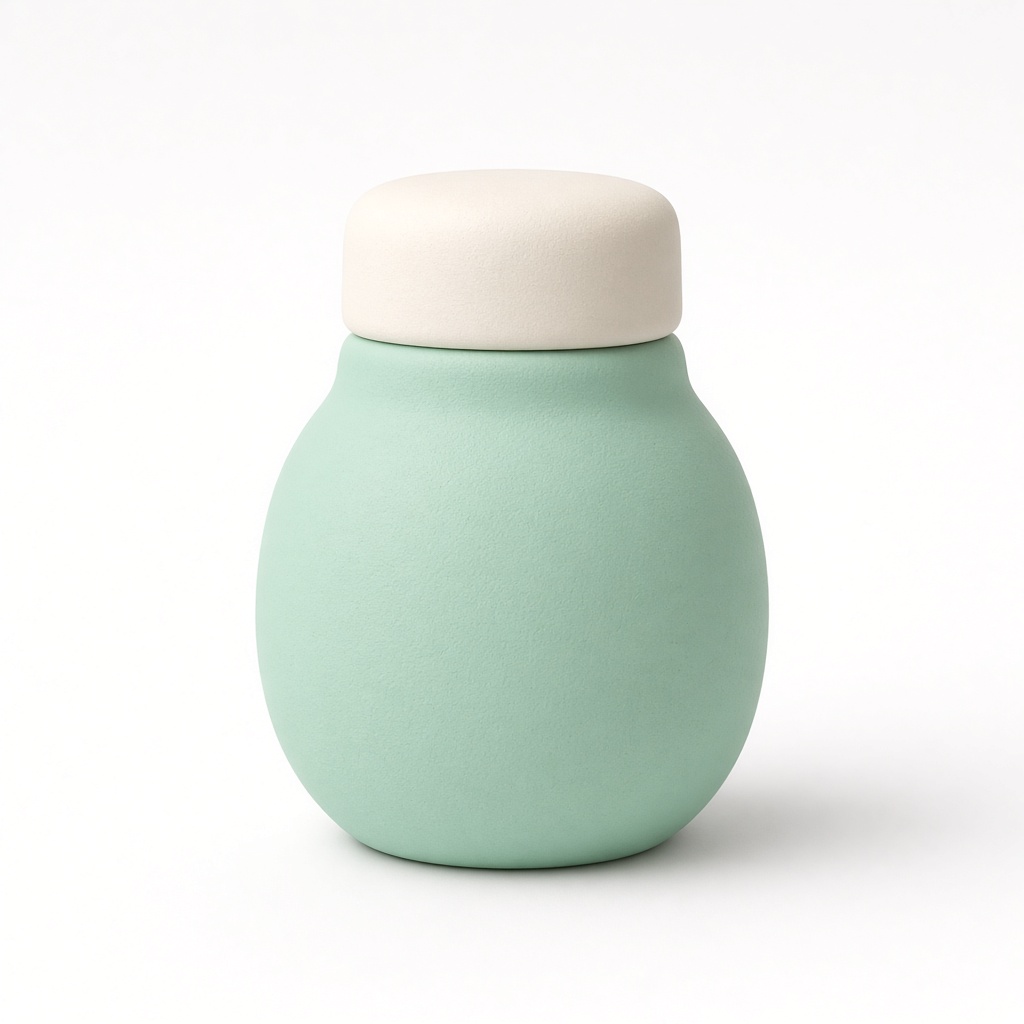
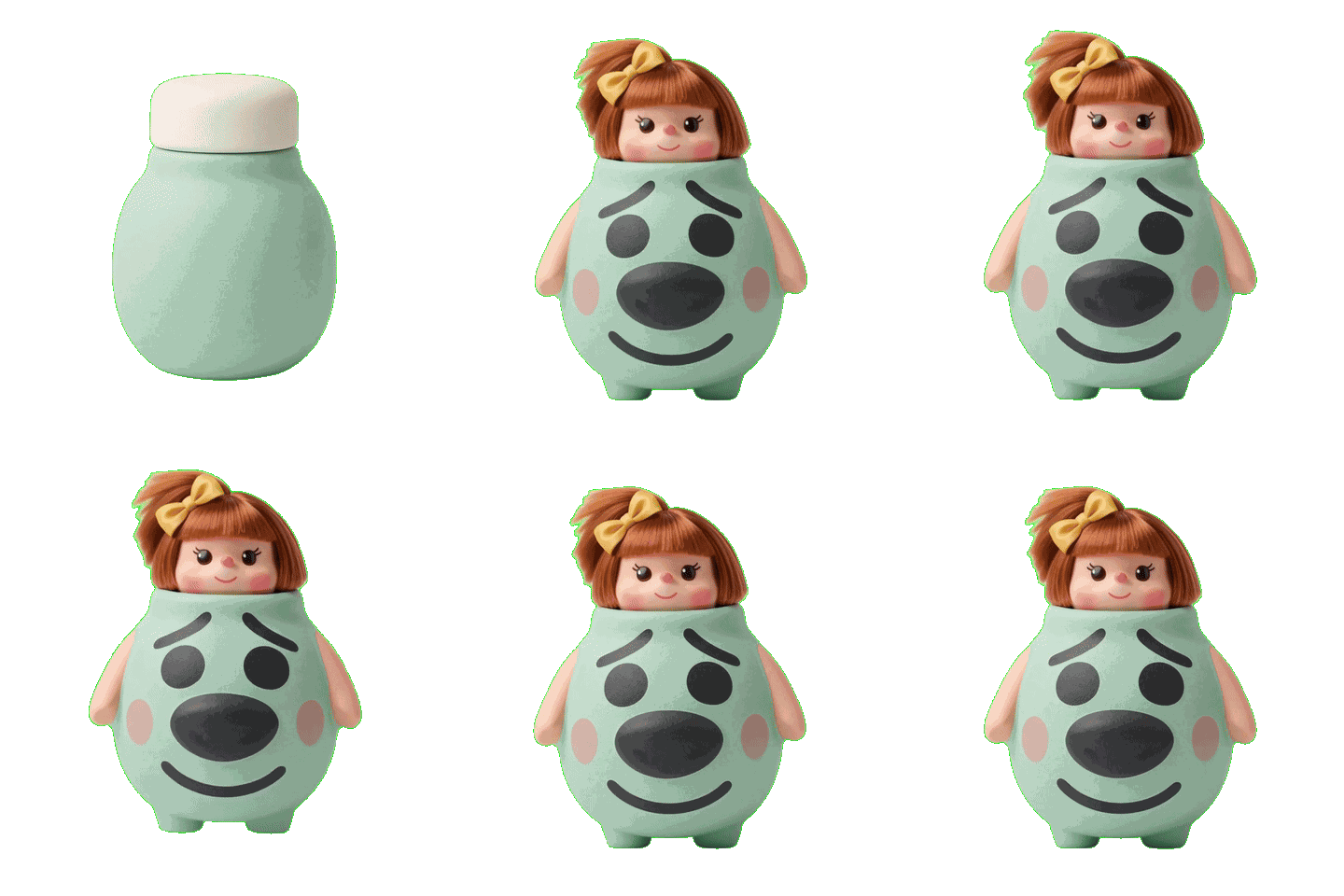
Shopify product GIF, Etsy listing GIF, and animated product photo from one still listing image.
Prompt: The product makes a tiny bounce in place and settles back to the original pose. No camera zoom.
Photo
GIF
Scene
Figure idle transparent GIF
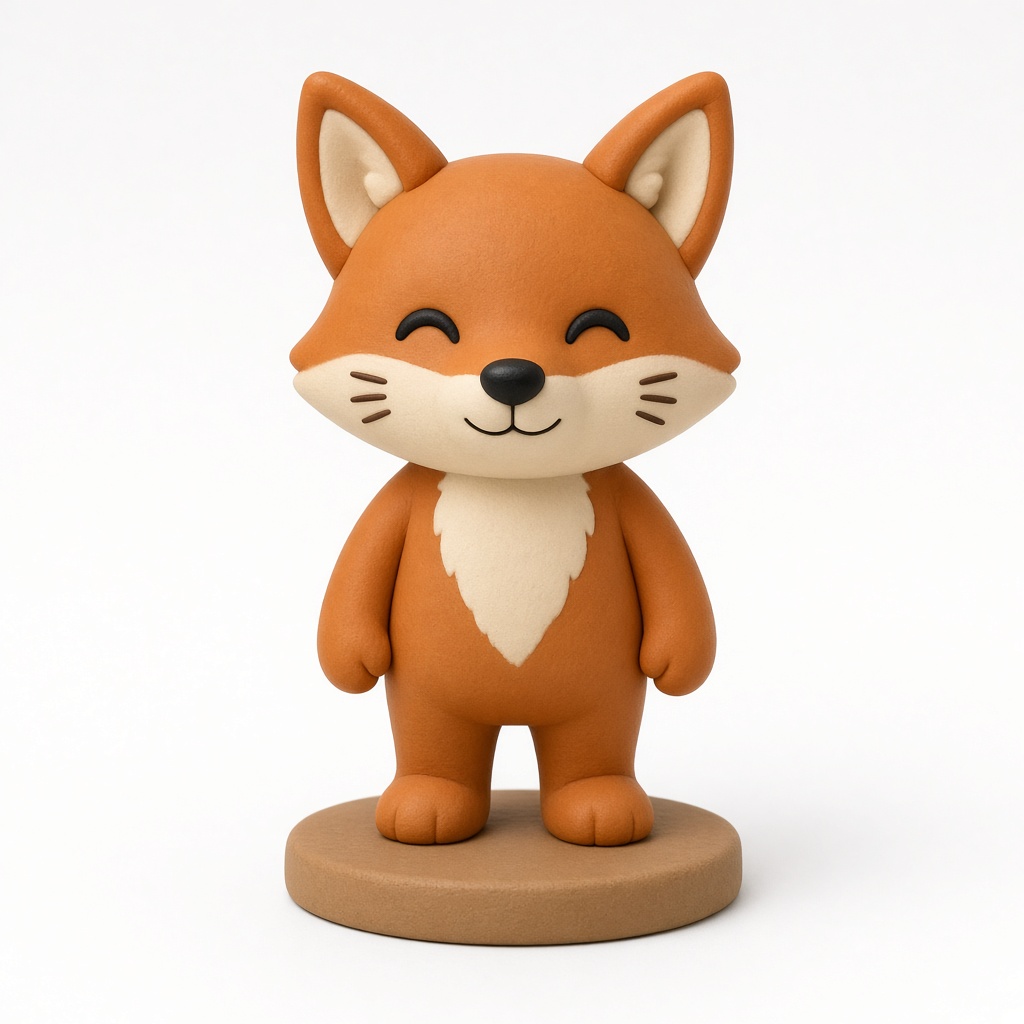
Figure idle transparent GIF, mascot idle GIF, and doll GIF from one collectible photo.
Prompt: The subject breathes slowly with a subtle idle animation and does not walk or leave the frame.
Photo
GIF
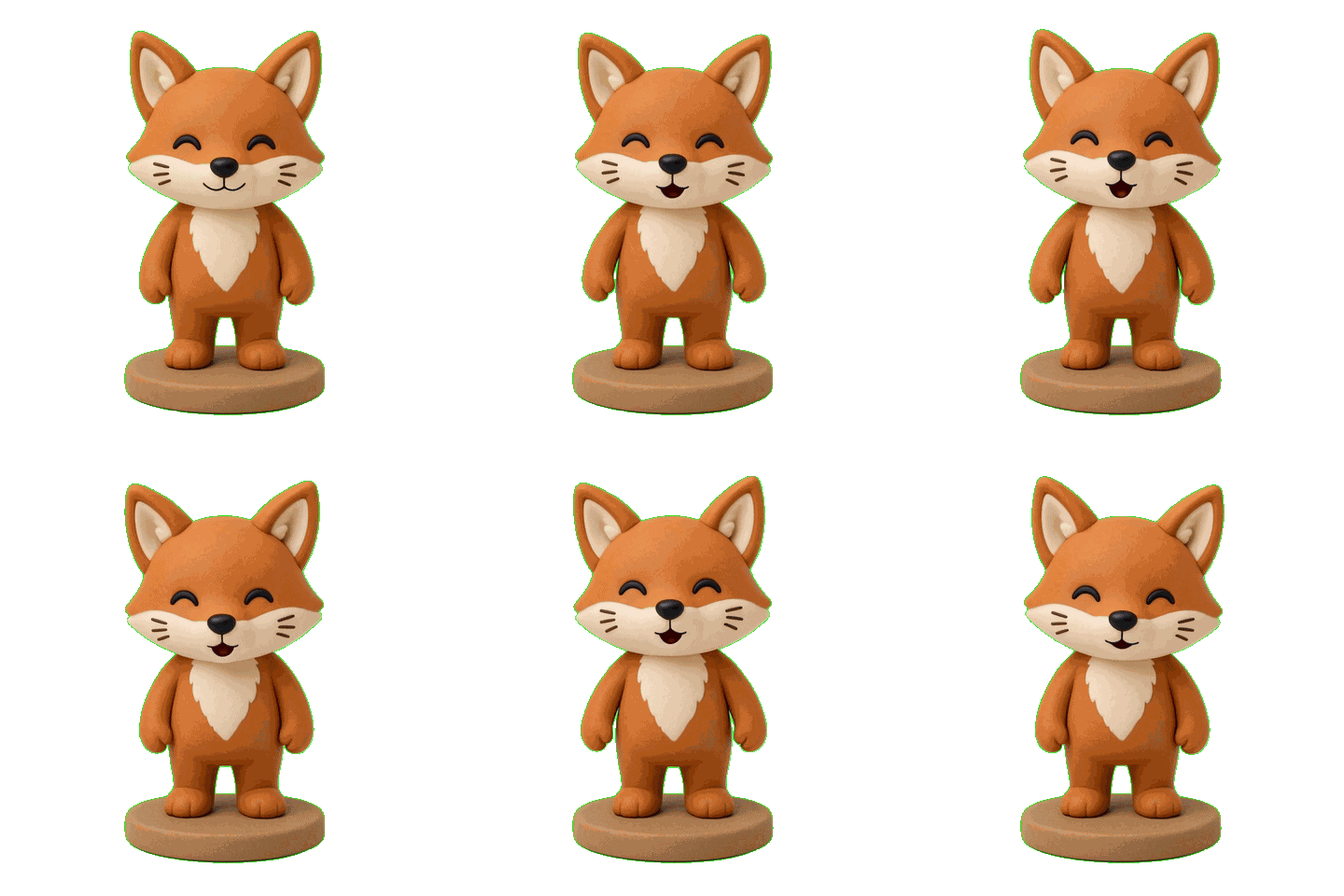
Transparent GIF and green-screen video
Sticker, character, and template scenes
Transparent sticker
A looping sticker with the background keyed out. Drop it into chat or a sticker pack.
Make a sticker
Digital character
A transparent idle loop for a mascot or avatar. Overlay it on a site, stream, or slide.
Make a character loop
GIF templates
Pick a ready motion — wave, idle, product turn — then apply it to your photo.
Browse templates
How DollFX works
1
Upload a photo with a clear subject.
2
We animate it in place — a wave, nod, or idle loop.
3
Download a transparent looping GIF, or a green-screen / ProRes 4444 video.
The GIF is already keyed. The video stays on green so you can chroma-key it, or use ProRes 4444 if you need a true alpha channel.
Frequently asked questions
Is DollFX free to try?
Yes. Every account includes 5 credits — enough for one 5-second Fast GIF. No card required. Plus and Pro add monthly credits, longer clips, and Better quality.
Does the GIF really have a transparent background?
Yes. The subject is cut out and the background is keyed, so the loop sits on any chat bubble, shop card, or stream scene. The checkerboard in the examples above proves it.
What can I make from one photo?
Chat stickers, OBS and Twitch overlays, product listing loops, and figure idles. Each example on this page started as one still image plus a short prompt.
Do I need a video or editing software?
No. Upload one photo, write a short motion prompt, and download the looping GIF. No video shoot, no editor. Need an editor file? Export green-screen or ProRes 4444.