Scene
Transparent GIF overlay for OBS and Twitch
Transparent GIF overlay, OBS overlay GIF, Twitch alert GIF, and stream overlay animation from one still photo.
Photo
GIF
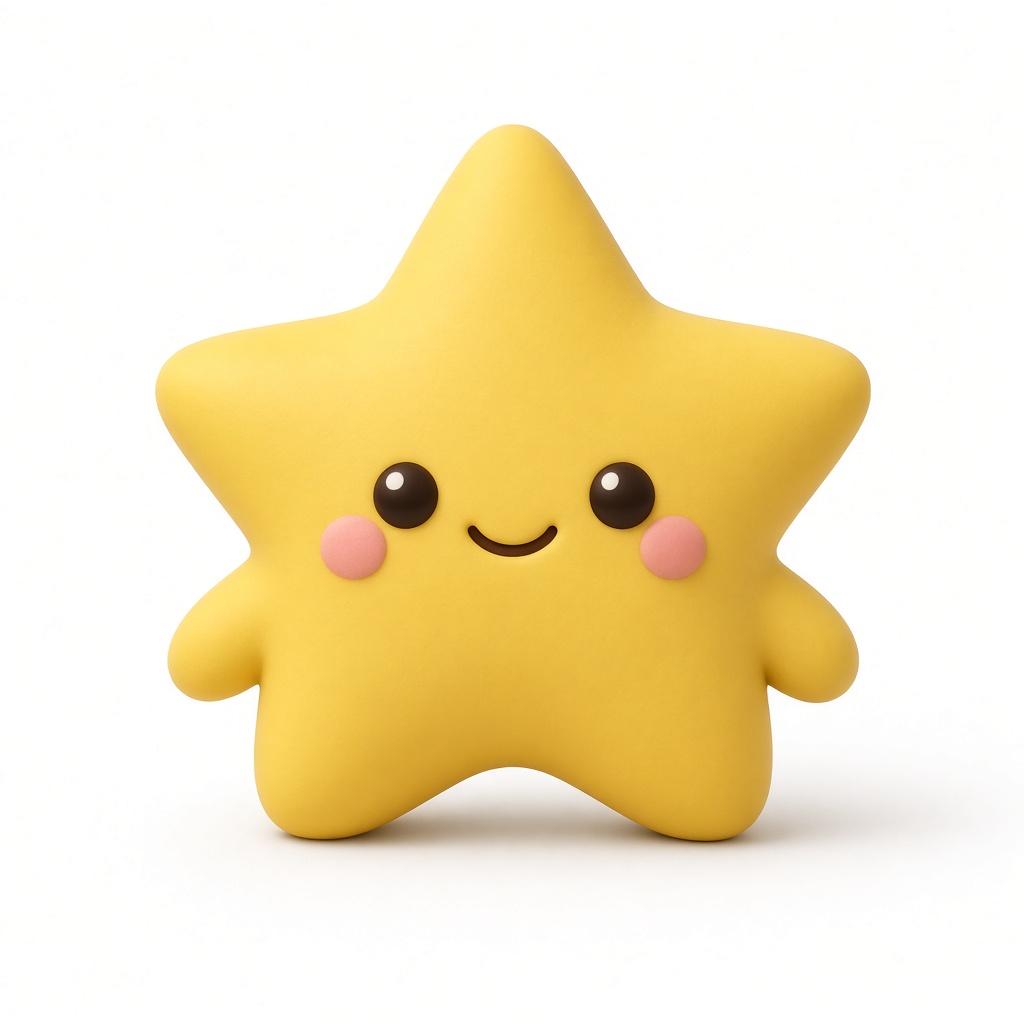

The input is one still photo. The prompt keeps the hello in place so it fits a starting-soon scene or raid alert. Add the GIF as an OBS Media Source. This is a pre-made overlay, not a live webcam key.
Prompt used
The subject waves one hand in a clear hello, then returns to rest. Motion stays in place so it works as a corner overlay.
Can I drop this GIF into OBS or Streamlabs?
Yes. Download the transparent loop and add it as a Media Source. The background is already gone, so it sits on your scene without a white box.
Is this a live webcam background remover?
No. DollFX generates a short looping overlay from one photo and a prompt. You place the finished GIF in the scene before you go live.
Does it work on Twitch and YouTube Live?
Yes. The overlay lives in OBS. Once it is in the scene, it shows on Twitch, YouTube Live, Kick, or any destination you stream to.